
TLDR: Cursor is a better IDE experience with great autocomplete. Claude Code is a better agent that can do a lot more than write code. If you’re paying $20/month for either, Claude Code gives you more for the same price.
I started with Cursor. It made sense at the time. I’m a VSCode guy, and Cursor is basically VSCode with AI baked in. Zero friction to get started. I was shipping faster within the first day.
Then I found Claude Code.
It lives in the terminal. No fancy IDE, no slick UI, just a command line and an agent that actually understands what you’re trying to do. I ran both for a while, using Claude Code inside Cursor, until eventually I realized I wasn’t really using Cursor anymore. Switched back to regular VSCode, kept Claude Code, and haven’t thought about going back.
Here’s the full breakdown of both tools, what makes them different, and which one actually makes sense for you.
What Is Cursor
Cursor launched in 2023 and quickly became the go-to AI coding tool for developers who wanted AI inside their editor. It’s a fork of VS Code, which means if you already live in VSCode, the switch costs you almost nothing. All your extensions, keybindings, and muscle memory come with you.
The flagship feature is Tab autocomplete. It doesn’t just fill in the next few characters. It predicts entire logical blocks, understands what you’re trying to build, and finishes your sentences in a way that feels genuinely useful. Cursor also has a Composer for multi-file edits and an Agent mode for more autonomous tasks. In 2025 they added Cloud Agents that can run up to 8 parallel agents and auto-judge the best solution.
Cursor works with multiple AI models including Claude, GPT-4o, and Gemini. You’re not locked into one backend, which is either a feature or a distraction depending on how you think about it.
Pricing:
- Hobby (Free): limited Agent requests, limited Tab completions
- Pro: $20/month (unlimited Tab, extended Agent)
- Pro+: $60/month (3x usage on all models)
- Ultra: $200/month (20x usage, priority access)
- Teams: $40/user/month
What Is Claude Code
Claude Code is Anthropic’s terminal-native coding agent. It came out of beta in 2025 and is built around a different philosophy than Cursor. You’re not editing files yourself and asking AI to help. You’re describing what you want, and the agent does the work. It reads your codebase, edits files, runs commands, writes tests, creates pull requests, and verifies its own output.
It’s not an IDE. It’s a CLI tool that runs alongside whatever editor you prefer. I use it with VSCode. Some people use it with Neovim. Some people just run it in the terminal with no editor open at all for bigger tasks. The tool doesn’t care.
Claude Code runs on Anthropic’s models (Opus, Sonnet, Haiku) and uses up to a 1M-token context window on the Max plan. That’s the whole codebase, all the docs, the entire test suite, loaded simultaneously without you managing what’s in context.
Pricing:
- Claude Pro: $20/month (included access to Claude Code)
- Claude Max 5x: $100/month
- Claude Max 20x: $200/month
- API: pay-as-you-go
The Side-by-Side
IDE vs. Terminal
This is the biggest philosophical split. Cursor is an IDE. It replaces your editor. Claude Code is an agent. It replaces a chunk of your own cognitive work.
Cursor gives you a visual environment. You see the code, the AI suggests changes inline, you accept or reject them. It’s a collaborative workflow where you stay in the driver’s seat. Claude Code works differently. You tell it what to do, it figures out how, and you review the result. More like delegating to a junior dev than collaborating with an autocomplete engine.
Neither is objectively better. It depends on whether you want to stay in the editor or get out of the way.
Autocomplete and Inline Editing
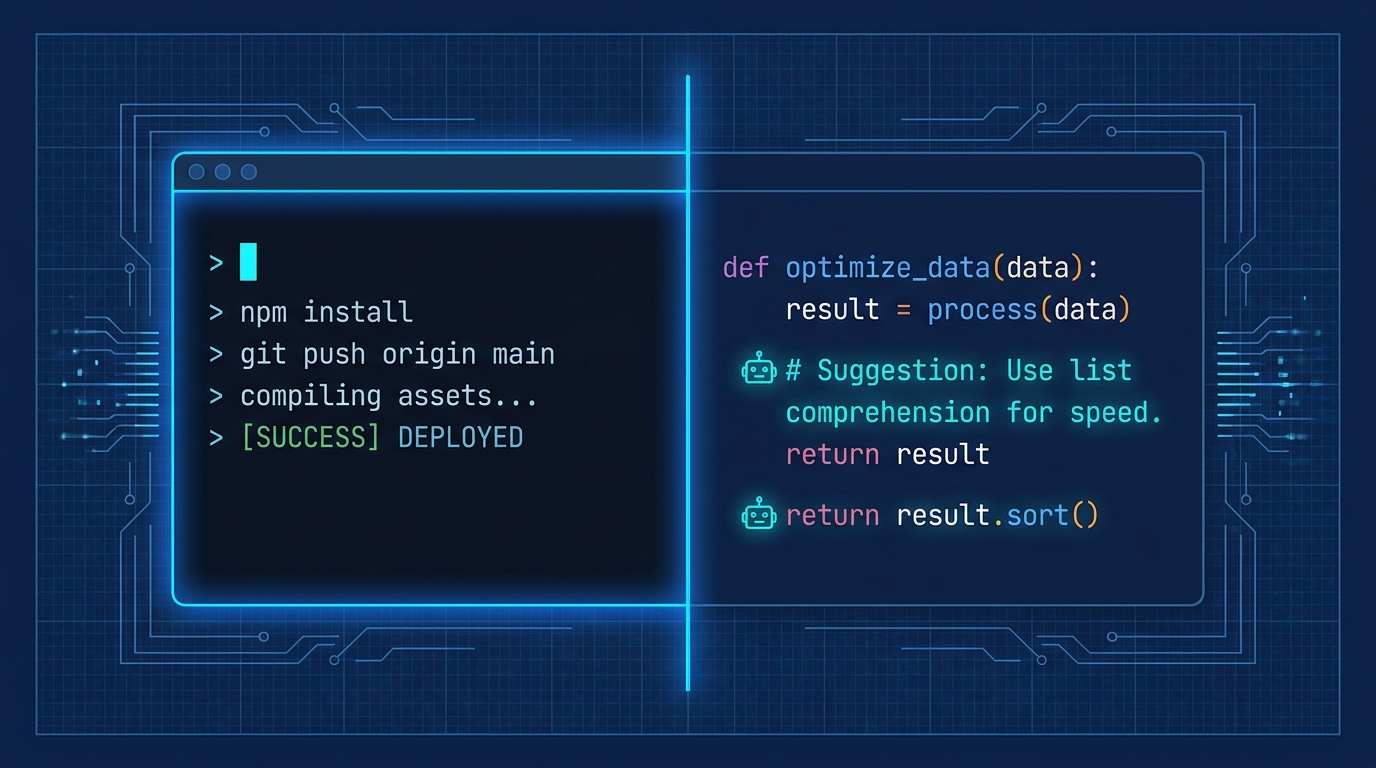
Cursor wins this one, and it’s not close. The Tab completion in Cursor is widely considered the best inline code completion available right now. It finishes logical blocks, not just lines. It understands context in a way that saves real keystrokes on real work.
Claude Code doesn’t do inline autocomplete at all. You’re not using it to fill in function bodies while you type. That’s not what it’s for.
Agentic Capability
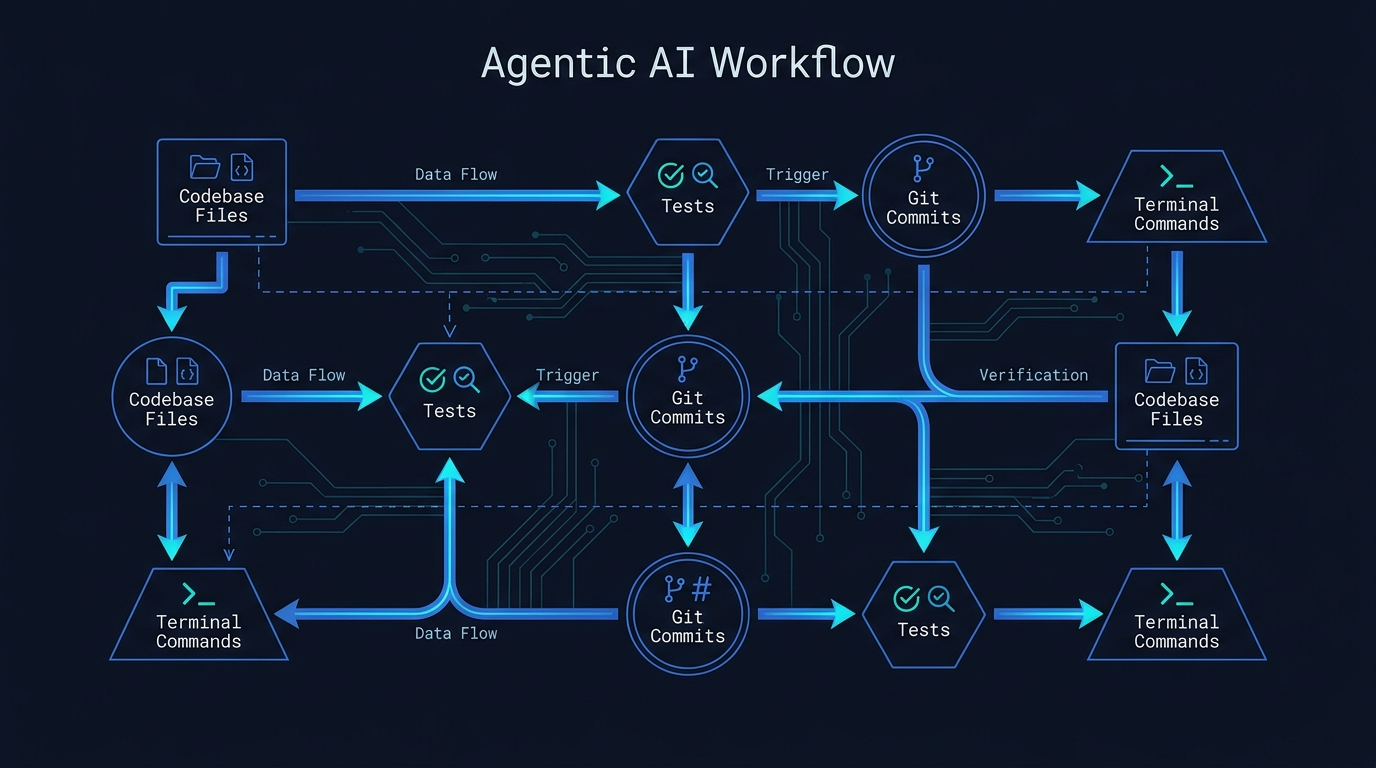
Claude Code wins this one, also not close. The architecture is built for autonomous task completion. It can take a vague requirement, explore the codebase to understand it, write the implementation, run the tests, fix the failures, and commit the result. All without you babysitting every step.
Cursor’s Agent mode can do multi-file edits and run commands, but it’s fundamentally still oriented around a human in the loop reviewing changes in the IDE. Claude Code’s agent-first design means it’s better at longer, more complex tasks that would require too many back-and-forth cycles in a traditional IDE workflow.
In benchmarks, Claude Code hit a 72.5% resolution rate on SWE-bench Verified as of early 2026, which is among the highest for any AI coding tool. It’s also about 5.5x more token-efficient than Cursor for equivalent tasks, which matters a lot when you’re on a usage-based plan.
Context Window
Claude Code on the Max plan uses Sonnet and Opus with a 1M-token context window. Cursor advertises 200K, but independent testing puts effective usable context somewhere between 70K and 120K after internal truncation. The real gap is roughly 8x to 14x in favor of Claude Code.
For small projects, this doesn’t matter. For anything that spans a real codebase with multiple services, config files, and test suites, it matters a lot.
Beyond Code
This is where things get interesting, and where my personal switch from Cursor to Claude Code came from. Claude Code doesn’t just write code. It’s running the full Claude model in an agentic loop. That means it can write docs, draft commit messages, explain architecture decisions, help you think through a design, research a library, and manage project tasks.
Cursor is a coding tool. It’s very good at coding. Claude Code is an AI agent that happens to be excellent at coding, and that distinction is real. In practice, I get more total value from Claude Code across my actual workday because there’s more to building software than writing code.
Model Flexibility
Cursor lets you pick from multiple AI providers. Claude, GPT-4o, Gemini, and others. If you have strong opinions about models, or if you use different models for different tasks, that flexibility exists in Cursor.
Claude Code runs Anthropic’s models only. For most people this isn’t a problem since Claude is the strongest coding model available right now. But if you have a specific reason to want GPT-4o or Gemini in your coding loop, you’d need to do that elsewhere.
Setup and Workflow
Cursor: download the app, sign in, open your project. You’re going. Basically zero learning curve if you already use VSCode.
Claude Code: npm install -g @anthropic-ai/claude-code, authenticate with your Anthropic account, and you’re running. It’s a CLI so there’s more to learn about how to prompt it effectively, how to use the slash commands, how to structure tasks. The ceiling is higher, but the ramp is steeper.
What I Actually Do
I run Claude Code in the terminal alongside VSCode. Cursor is out of the picture entirely. For writing and editing code, Claude Code handles anything that touches more than a couple of files or needs real reasoning. For quick edits where I’m just typing, I use the editor directly.
I switched from paying $20/month for Cursor to paying $20/month for Claude Pro, and I get significantly more value. Not because Claude Code is better at autocomplete (it isn’t), but because it does more. The same $20 covers my coding agent, my writing assistant, my research tool, and everything else I use Claude for across the day.
That’s what made the decision easy.
You Should Pick Cursor If
Cursor is the right call when the IDE experience and inline assistance are what you’re optimizing for. Pick it if you want the best Tab autocomplete available, if you’re primarily doing fast iterative coding where you stay in the driver’s seat, if your team is already on it and you want shared context, or if you’re new to AI-assisted development and want zero friction getting started. The model flexibility (Claude, GPT, Gemini) is a real advantage if you have opinions about backends.
You Should Pick Claude Code If
Claude Code is the right call when you want more than a coding assistant. Pick it if you want an agent that can actually run tasks autonomously on large codebases, if context window size matters for your project, if you want AI that covers writing and research and planning alongside code, or if you’re already a Claude user and want everything under one subscription. The terminal-native workflow has a real learning curve. It’s worth it.
The honest take: most experienced developers end up using both. Cursor for the editor experience and tab completion, Claude Code for anything that requires the agent to actually think. If you’re picking one, and you’re paying $20/month either way, Claude Code gives you more of the things that matter across a full workday.
Try running claude in your terminal this week and see what breaks. That’s usually how you figure out if something’s worth keeping.