

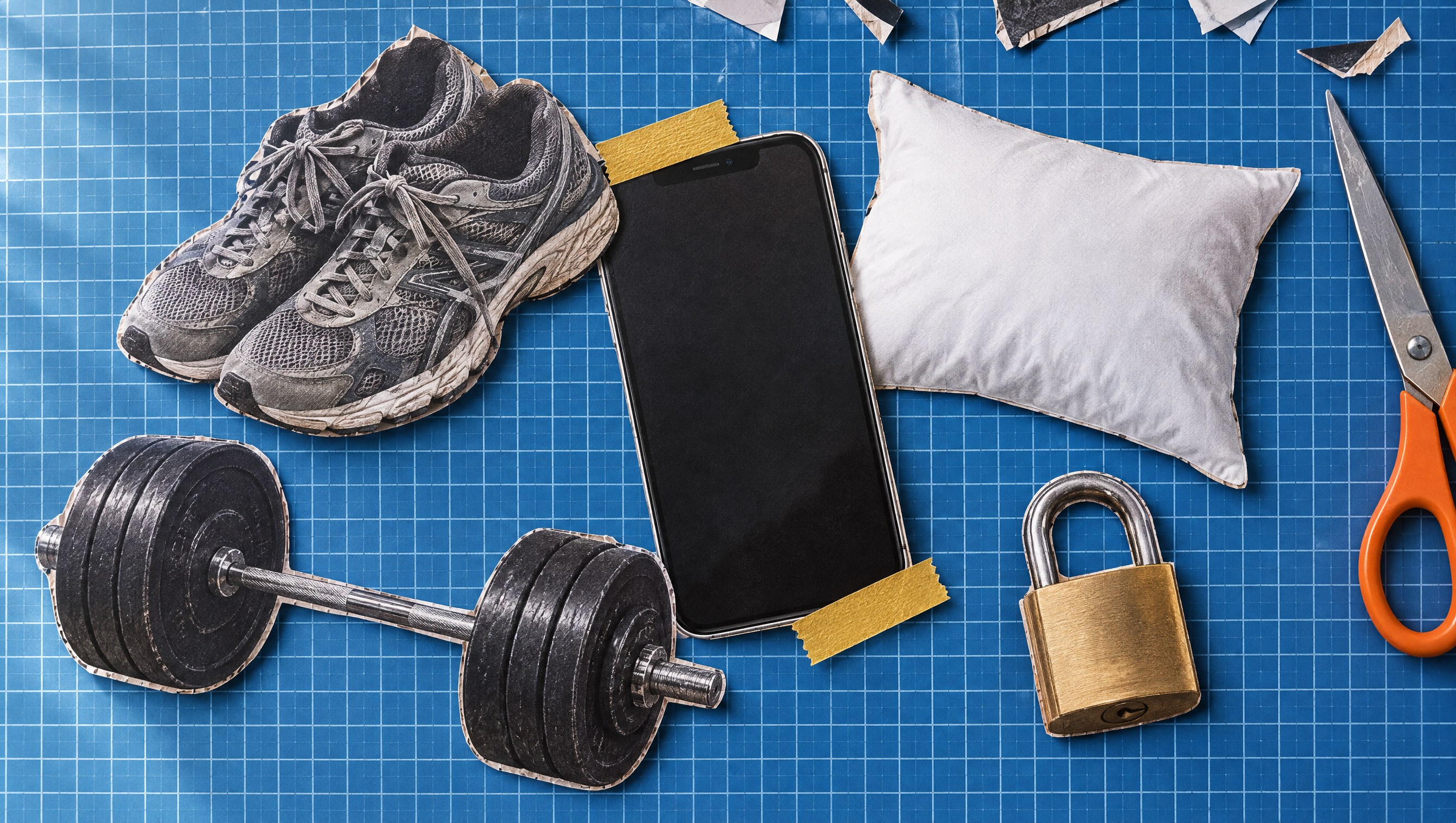
This Bevel app review comes from more than a year of daily use as a guy who runs marathons and lifts five days a week. Bevel is the best single app I’ve found for a training week that mixes both, and I just resubscribed to Pro for the fall update’s AI training plans. They build runs and lifts around my real calendar, keep leg day away from my long run, and adjust when my recovery tanks. The catch is big: your data stays inside Bevel. There’s no export, no Claude connector, and no iPad or web app. If you want one app that does everything, get it. If you want your own AI tools to see your training, you’ll be waiting.
I built myself an AI running coach out of Claude, Apple Health, and Notion. I wrote a whole post about why I use Claude instead of Runna.
Then I stopped using it and moved my entire training life into one app.
That app is Bevel. This is the honest version of why, including the part that still drives me nuts.
The Problem: My Coaching Setup Had Too Many Hops
Here’s what my training stack looked like before. I logged every set in Bevel in real time at the gym. Then I took screenshots of those sets so Claude could read them and fill in a lift log in Notion. My runs went into a separate run log in Notion. Claude pulled my sleep and heart rate from Apple Health, which only works from the Claude app on my phone, not from my laptop.
Count the hops. Watch to Bevel. Bevel to screenshot. Screenshot to Claude. Claude to Notion. Apple Health to Claude, but only on one device. Every one of those is a place where the system depends on me remembering to do a chore after a workout.
And honestly? A training system that needs a chore after every workout is a hobby, not a system. I already have too many hobbies.
The core idea from that post still holds up: a plan should bend around your actual life, not the other way around. I just didn’t need four apps and a camera roll full of screenshots to get there.
What the Bevel Health App Actually Is
If you’ve never opened it, Bevel is an iPhone and Apple Watch app that takes your health data and turns it into a handful of daily scores: Recovery, Sleep, Strain, and Nutrition. It also has Strength Builder, a lifting logger with 700+ exercises, plus food logging. All of that tracking is free, per the App Store listing, where it sits at 4.8 stars from about 17,000 ratings.
Bevel Pro adds Bevel Intelligence (the AI coach), Health Records, and Biological Age. As of October 2026 it’s listed at $14.99 a month or $99.99 a year, and the AI coach runs on a weekly allowance with extra credit packs for sale if you blow through it. Prices change, so check the listing before you trust my numbers.
The fall update is what got me. Version 3.2.3 redesigned the fitness side with a Training Calendar and a Timeline for logging, and the AI coach can now build training plans that account for your lifestyle and your real calendar. That’s the feature that made me resubscribe.
How I Actually Use Bevel for a Hybrid Training Week
My week isn’t complicated, but it’s crowded. I run four mornings a week at 5am, 30 minutes max. I do one long run on Saturday or Sunday, whichever one isn’t eaten by the kids’ recitals and games. I lift five afternoons a week on a push, pull, legs, upper, lower split, 40 minutes max. No lifting on weekends.
That’s ten training sessions stacked on top of a full time job and three daughters. The hard part was never the workouts. It was fitting them together without wrecking my legs or skipping the long run because a recital moved.
Here’s what a normal day in Bevel looks like now:
- I open the plan in the morning and it tells me what today is, already placed around what’s on my calendar.
- I log every lifting set in Bevel as I go, the same way I always have.
- My Apple Watch handles runs and sleep, and Bevel picks them up without me touching anything.
- When recovery comes in low, the plan adjusts the day instead of pretending I slept great.
No screenshots. No copying anything anywhere. That’s it. That’s the whole method.

Bevel App Review: What It Does Well
It plans runs and lifts against each other
This is the big one for anyone who trains like me. I learned the hard way that once my long runs pass about 7 miles, leg day starts leaving me hurt or too fried to function for the rest of the day. I wrote about the balancing act in how to combine running and lifting without losing muscle. Most running plans ignore lifting and most lifting apps ignore running. Bevel’s AI plan looks at both and keeps the heavy leg work away from the long run without me spelling it out.
It knows about my actual life
The plan reads my real calendar. If a recital eats Saturday, the long run goes to Sunday instead of getting skipped. Generic plans assume you have the same free hour every day. Dads of three do not have the same free hour every day.
It reacts to recovery
Bevel already had the Recovery and Sleep scores. Now the plan actually uses them. A bad night means the day gets adjusted instead of me grinding through intervals on bad sleep because a spreadsheet said so. That matters even more for easy days, which I’ve written about in zone 2 training for hybrid athletes.
It’s one place
Running, lifting, sleep, and nutrition all live in one app with one set of scores. Nothing to copy, nothing to sync, nothing to remember after a workout. One app beats a stitched system, even when the stitched system is smarter on paper.
What Bevel Doesn’t Do Well
Now the part the App Store reviews skip.
Your data is locked inside Bevel
There is no way to export your data. Not a CSV, not a JSON file, nothing. The export request on Bevel’s own feedback board has 606 votes, was first posted in January 2024, and is still marked “planned” with no date. Bevel’s team points to its Apple Health integration in the replies, but syncing to Apple Health isn’t the same as getting your own history back out of Bevel.
It’s the same story for AI. The request for a Claude connector has 919 votes and sits at “under review.” So my preferred AI tools can’t see my training data, and they can’t help refine the plan Bevel built. If I want a second opinion from Claude on my training block, I’m back to screenshots. The exact chore I left.

It’s stuck on a phone screen
Bevel is iPhone and Apple Watch only. There’s no iPad app and no web app. Planning a training block, scrolling through months of lifts, or looking at trends on a phone screen is cramped. The iPhone is limiting, and the screen is just too small for the kind of planning Bevel is now asking you to do in it.
Apple is coming for it
Apple just launched its own Readiness app that scores your readiness from training load, HRV, and sleep. It only runs on the Apple Watch Series 12 and Ultra 4 for now, and it doesn’t plan anything. But r/bevelhealth is already debating how much of Bevel’s turf Apple is taking. If all you want is a daily recovery number, you may not need a third party app much longer. Bevel’s lead is the planning and the lifting, not the score.
Who Bevel Is For (and Who It’s Not)
Bevel is for you if:
- You run and lift in the same week and you’re tired of two apps that ignore each other.
- You wear an Apple Watch and want your training, sleep, and food in one place.
- You’d rather have a plan that handles your calendar than build one yourself.
Skip it, or at least skip Pro, if:
- You want Claude, ChatGPT, or any other AI tool to read your training data.
- You plan on a laptop or iPad and hate squinting at a phone.
- You care about owning your data and being able to leave with it.
For the record, I’m in both groups. I still use Bevel every day. If you’re new to running and lifting together, sort out your basic kit first. My running essentials post covers what I actually run with.
Is Bevel Pro Worth It?
For me, yes, for one reason: the training plans. The free tier already gives you the tracking and the scores, so Pro lives or dies on whether you’ll use the AI coach. If you just want numbers, stay free. If you want a plan that juggles runs, lifts, and a real calendar without you doing the math, that’s what you’re paying for.
Just go in knowing the trade. You’re giving up a stitched together system you control for one polished app that controls your data.
Try This First
Download Bevel and use the free tier for two weeks. Log every lift and let it pick up your runs and sleep. If you find yourself checking the scores every morning, then try Pro for one training block and let it build the plan around your calendar.
And while you’re at it, go vote on the export and Claude connector requests. 919 people want the Claude connector. Make it 920.


